
Resetting Your Phin Security Password
The article provides a step-by-step guide to resetting your Phin Security password by logging out of the portal at https://portal.phinsec.io/, clicking "Forgot Password?", entering your email to receive a reset link, completing reCAPTCHA verification, and submitting a support ticket if needed, with additional instructions for resetting an admin's MFA linked separately.
- 1.Help Center
- 2.FAQ
- 3.Admin Access
Resetting Your Phin Security Password
Resetting your password is easy. Follow the steps below for a quick guide.
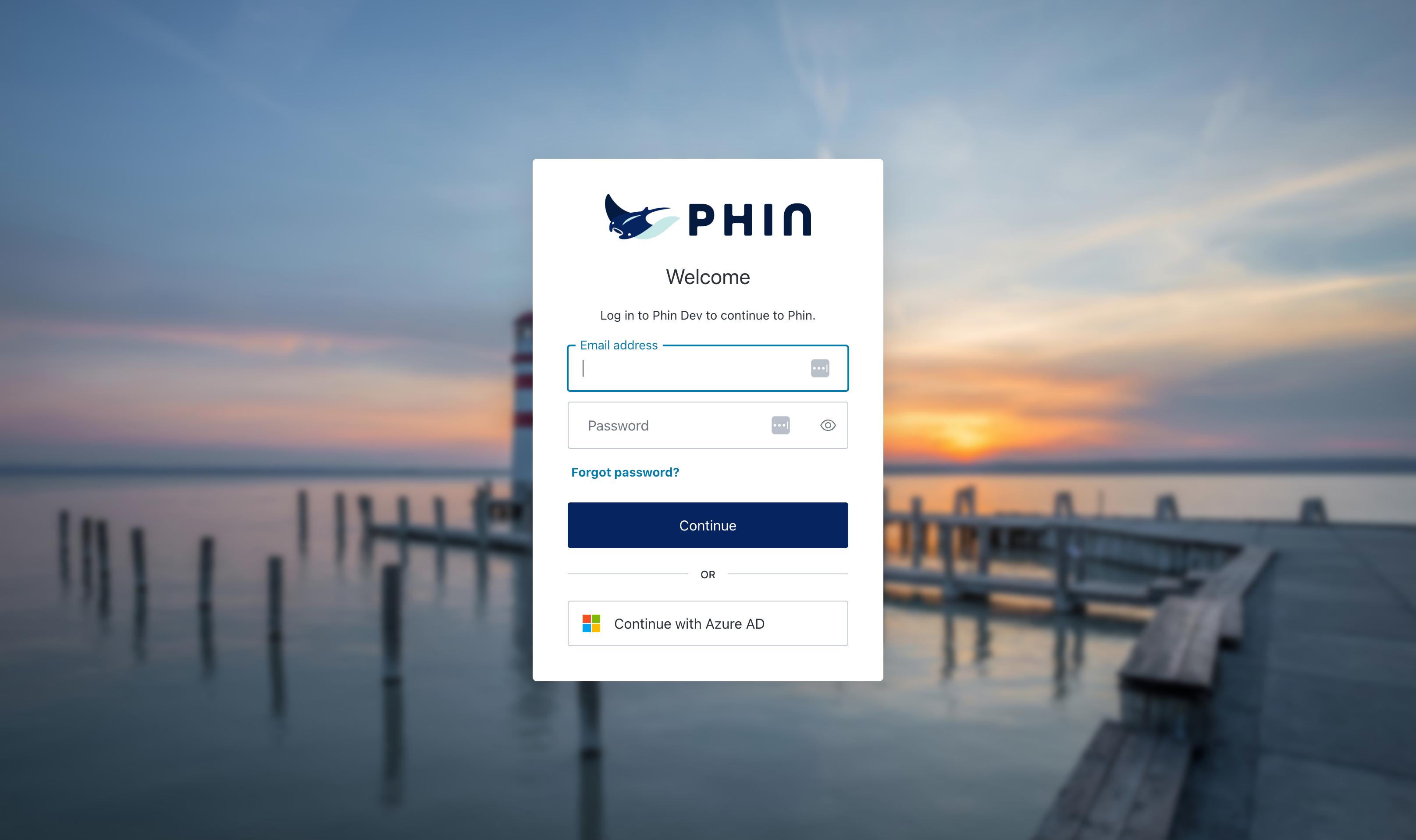
Go to the portal at https://portal.phinsec.io/. If you're logged into the portal, you will need to log out first.
Tourial
Start


reCAPTCHA
Recaptcha requires verification.
protected by reCAPTCHA
- 1.Click on, "Forgot Password?" to enter an email for the password reset.
- 2.The next screen is where you'll add your email to receive the reset.
- 3.Add an email and continue the reset process! If you have any further questions submit a ticket here.
If you need to reset an admin's MFA, please refer to this article.
Was this article helpful?
YesNo